 ab32615e4e Elastic and High Availability deployments on AWS, Azure and Google Cloud can run a fixed number of Media Nodes, as DigitalOcean and Oracle Cloud already could, with the same parameter: FixedNumberOfMediaNodes on AWS, fixedNumberOfMediaNodes on the other clouds. 0, the default, keeps autoscaling; a value greater than 0 runs exactly that many Media Nodes and ignores the initial, minimum, maximum and target CPU parameters. A redeploy with another value changes the number or switches mode, both ways. - AWS: the Auto Scaling Group's min, max and desired are the fixed number and the scaling policy is not created. A Media Node the number no longer needs is drained by the existing lifecycle hook, as in a scale-in. - Google Cloud: no autoscaler; the scale-in function, which now runs in both modes, keeps the managed instance group at the fixed number, abandoning an extra Media Node so it drains and deletes itself, or resizing the group up. The group's target size is set at creation only, the function's source is named by its hash so a code change redeploys it, and `moved` blocks keep existing autoscalers when the template is applied again. - Azure: the autoscale setting stays, pinned to the fixed number (minimum = maximum = default). Azure refuses an autoscale minimum below the Media Nodes running, which protect themselves from scale-in, so lowering it is a manual drain first (manual scale, then stop_media_node.sh on each extra Media Node) and then the redeploy; the CHANGELOG and the documentation describe it. The portal's form gets the field. Verified live with ov-cloud-tester's sc-fixed-media-nodes scenario on Elastic (Google Cloud, AWS and Azure): deploy with 2, lower to 1 (the Media Node removed served its Room through a 1200 s hold and left once it was closed), back to autoscaling with no Media Node added or removed. |
||
|---|---|---|
| .github | ||
| docs/images | ||
| openvidu-components-angular | ||
| openvidu-dashboard | ||
| openvidu-deployment | ||
| openvidu-livekit@2f779fc1fd | ||
| openvidu-test-browsers | ||
| openvidu-test-e2e | ||
| openvidu-test-integration | ||
| openvidu-testapp | ||
| .gitignore | ||
| .gitmodules | ||
| CONTRIBUTING.md | ||
| LICENSE | ||
| NOTICE | ||
| README.md | ||
README.md







openvidu
Visit openvidu.io
What is OpenVidu?
OpenVidu is a self-hosted real-time video and audio stack, built on top of LiveKit and mediasoup, and developed by a team with over a decade of experience building WebRTC systems. It ships as two products:
OpenVidu Meet
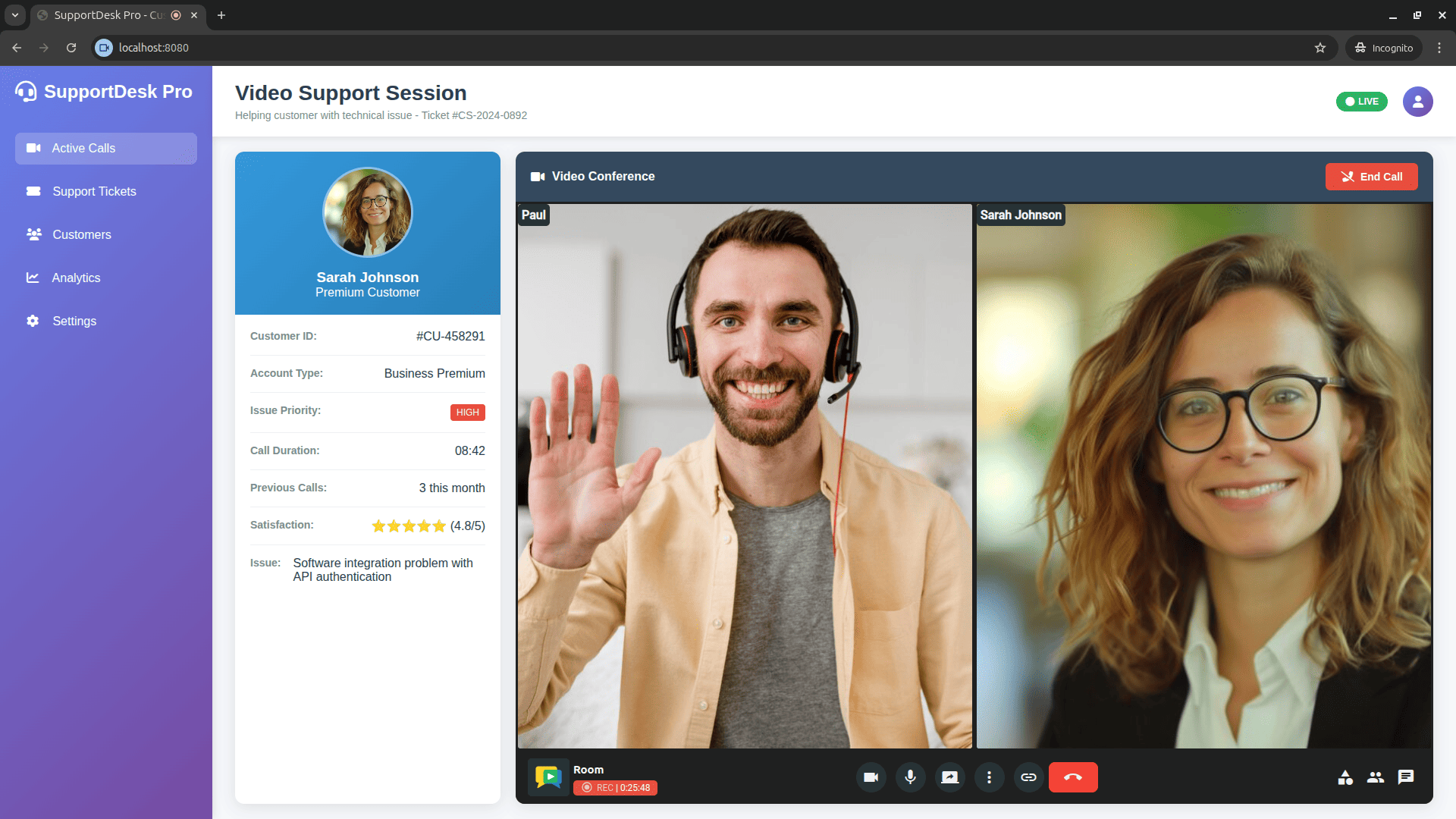
OpenVidu Meet is a ready-to-use, self-hosted video conferencing application: an open-source alternative to Zoom, Google Meet and Jitsi Meet.
Using it requires no code. You deploy it and it works — rooms, recordings, chat, screen sharing and moderation included. It is also highly customizable: brand it with your own name, logo and colours, and choose which features each participant gets.

With minimal effort it embeds into your own application, through an <iframe> or the
OpenVidu Meet web component, and is driven from your backend with a REST API and webhooks:
OpenVidu Platform
OpenVidu Platform is the programmable client and server SDKs for building custom WebRTC applications with low-level control over media, on top of LiveKit and mediasoup. It is API-compatible with LiveKit: any LiveKit client/server SDK works unchanged.
Both products
- Self-hosted only: deploy them on your own infrastructure (AWS, GCP, Azure, Oracle, DigitalOcean, on-premises). There is no hosted/SaaS tier: OpenVidu PRO is a paid, self-hosted edition, and the OpenVidu team offers support and consultancy.
- Advanced media features: recording, RTMP/streaming egress, AI agents (transcription, translation), virtual backgrounds, and more.
Getting started
- 📖 Documentation
- 🚀 Try it locally
- 💻 Tutorials
- 🎥 OpenVidu Meet — the ready-to-use video conferencing app (source)
Community Forum
Visit OpenVidu Community Forum
Contributors
This project exists thanks to all the people who contribute.

Backers
Thank you to all our backers! 🙏 [Become a backer]

Acknowledgments
OpenVidu has been supported under project "CPP2021-008720 NewGenVidu: An elastic, user-friendly and privacy-friendly videoconferencing platform", funded by MCIN/AEI/10.13039/501100011033 and by the European Union-NextGenerationEU/PRTR.

Sponsors
Support this project by becoming a sponsor. Your logo will show up here with a link to your website. [Become a sponsor]


