 43c66b0708 TURN over UDP for Media Nodes in private subnets. With TurnDomainName, TurnCertificateARN and LoadBalancerSubnets set, and the Media Nodes in other subnets than the Load Balancers, a second internet-facing Network Load Balancer forwards UDP 443 to the TURN server of the Media Nodes, with cross-zone load balancing. It is only used when the SubnetProcessor detects private Media Nodes. An NLB cannot have a UDP and a TLS listener on the same port, so TURN over TLS stays on the TURN Load Balancer as the fallback. LiveKit gives clients the UDP TURN address as turn:<node IP>:443, so each Media Node announces the IP of the NLB in its availability zone (--public-ip, and --force-media-node-public-ip on the Master Nodes) instead of the NAT gateway IP. The NLB keeps the static IPs that AWS assigns to it, so no Elastic IPs of the account are used: each Media Node resolves the zonal DNS name of the NLB. New TurnUDPLoadBalancerDNS output. Master Nodes signal their WaitCondition only once OpenVidu is installed, started and healthy, and signal a failure on any error. Before, they signalled right after generating the shared secret, so a failed installation still ended in CREATE_COMPLETE. The WaitCondition timeout goes from PT20M to PT40M. Assisted-by: claude-code - Anthropic - Claude Opus 5.5 |
||
|---|---|---|
| .github | ||
| docs/images | ||
| openvidu-components-angular | ||
| openvidu-deployment | ||
| openvidu-livekit@2f779fc1fd | ||
| openvidu-test-browsers | ||
| openvidu-test-e2e | ||
| openvidu-test-integration | ||
| openvidu-testapp | ||
| .gitignore | ||
| .gitmodules | ||
| CONTRIBUTING.md | ||
| LICENSE | ||
| NOTICE | ||
| README.md | ||
README.md







openvidu
Visit openvidu.io
What is OpenVidu?
OpenVidu is a self-hosted real-time video and audio stack, built on top of LiveKit and mediasoup, and developed by a team with over a decade of experience building WebRTC systems. It ships as two products:
OpenVidu Meet
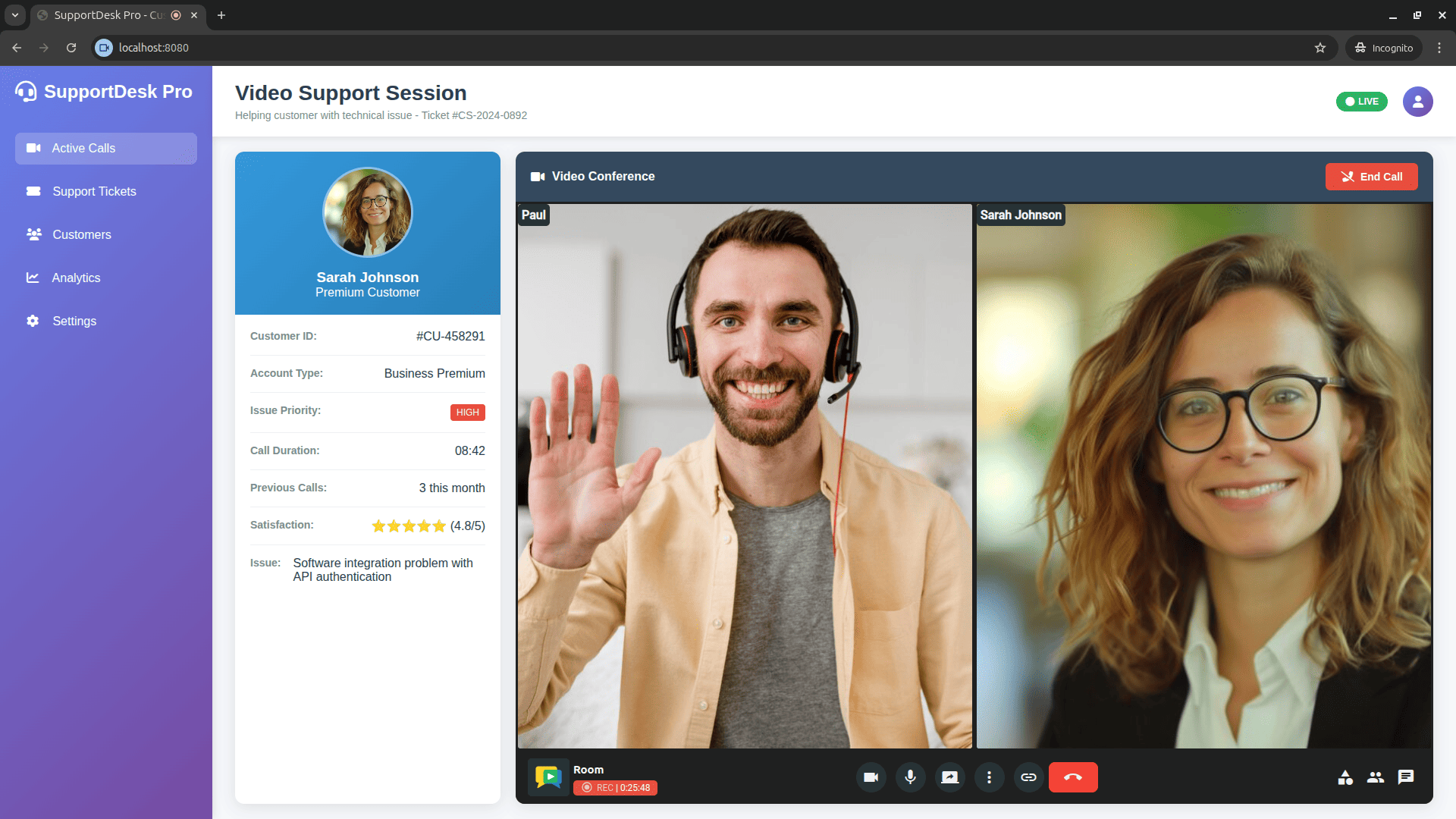
OpenVidu Meet is a ready-to-use, self-hosted video conferencing application: an open-source alternative to Zoom, Google Meet and Jitsi Meet.
Using it requires no code. You deploy it and it works — rooms, recordings, chat, screen sharing and moderation included. It is also highly customizable: brand it with your own name, logo and colours, and choose which features each participant gets.

With minimal effort it embeds into your own application, through an <iframe> or the
OpenVidu Meet web component, and is driven from your backend with a REST API and webhooks:
OpenVidu Platform
OpenVidu Platform is the programmable client and server SDKs for building custom WebRTC applications with low-level control over media, on top of LiveKit and mediasoup. It is API-compatible with LiveKit: any LiveKit client/server SDK works unchanged.
Both products
- Self-hosted only: deploy them on your own infrastructure (AWS, GCP, Azure, Oracle, DigitalOcean, on-premises). There is no hosted/SaaS tier: OpenVidu PRO is a paid, self-hosted edition, and the OpenVidu team offers support and consultancy.
- Advanced media features: recording, RTMP/streaming egress, AI agents (transcription, translation), virtual backgrounds, and more.
Getting started
- 📖 Documentation
- 🚀 Try it locally
- 💻 Tutorials
- 🎥 OpenVidu Meet — the ready-to-use video conferencing app (source)
Community Forum
Visit OpenVidu Community Forum
Contributors
This project exists thanks to all the people who contribute.

Backers
Thank you to all our backers! 🙏 [Become a backer]

Acknowledgments
OpenVidu has been supported under project "CPP2021-008720 NewGenVidu: An elastic, user-friendly and privacy-friendly videoconferencing platform", funded by MCIN/AEI/10.13039/501100011033 and by the European Union-NextGenerationEU/PRTR.

Sponsors
Support this project by becoming a sponsor. Your logo will show up here with a link to your website. [Become a sponsor]


